Triple 4K Display USB-C Docking Station 125W PD3.1 11-in-1 for
M1/M2/M3 WindowUSD $89.00
Condition : New
Free Shipping

Notify me when the price drops
We will email you if we find a lower price on this product!
The 11-in-1 Excellent Connectivity - The WAVLINK multi-port USB C dock features a 140W PD3.1 USB-C input,
2 * 8K HDMI, 8K DP, 10Gbps USB-C 3.2, 2 * 5Gbps USB-A ports, an SD/Micro SD card reader with speeds up to
104MB/s, a 1000Mbps Ethernet port, and a 4-pole phone jack. This comprehensive setup caters to all your
expansion requirements, enhancing productivity and work efficiency significantly.
The Latest PD3.1 Technology - The dock is powered by an advanced PD3.1 chip, enabling a maximum
140W USB-C PD input. It supports pass-through charging to your laptop with an output of up to 125W,
ensuring swift charging for any USB-C laptop(the USB-C port must support charging).
Note: The charger and charging cable are not included; please purchase them separately.
8K@30Hz/4K@144Hz Visual Enjoyment - Under DP1.4&DSC, Windows laptops support single display at a
resolution of up to 8K@30Hz/4K@144Hz, ensuring outstanding image quality, ideal for visual creators and
gaming enthusiasts. Whether you're editing photos/videos, or aiming for top-tier gaming graphics,
you can delve into lifelike details and vibrant colors with the help of our 8K USB-C dock.
Note Before Purchase - Simply Plug & Play, no external drivers required. MacOS-based computers do not support MST,
only extend to one different screen (ABBB). Some Windows laptops may only support 3 monitors(including the host screen)
due to their graphic card limitations. 📱Your USB-C phones/tablets should support the OTG function. 📹The type-C port
of your host should support video output to enjoy the full function of this docking station.
Red Dot Award Winner 2024 - The sleek and sophisticated design of this laptop docking station has been honored
with the prestigious Red Dot Award. By skillfully merging aluminum alloy and high-quality ABS, the casing not only
exudes aesthetic appeal but also enhances heat dissipation. Additionally, a thoughtful blue LED indicator provides
a visual representation of the dock's operational status.
How to Confirm if the Type-C Port of Your Laptop Supports Video Output and Charging?
Step 1: Please check the model of your laptop, it should be on the back of the label;
Step 2: Search “brand + the model number of the device + manual” in Google, for example: “asus ux435 manual”;
Step 3: Check the manual and navigate to the view and check the type-c specification, if it states it supports power
delivery which means it supports charging. If it states the type-c port supports display which means it could support video output.
If the specification states bandwidth the type-c port supports only, which means the type-c port might not support video output
and charging. You could also contact the manufacturer to confirm that.
Multiple Display Resolution (Max. Resolution)
Notice: Please make sure the type-C port of your host supports video output.
For Windows OS(some laptops only support 3 monitors due to their graphic card limit)
1)Single Display (DP/HDMI1/HDMI2):
DP1.2: 3840x2160@30Hz
DP1.4: 3840x2160@60Hz
DP1.4 & DSC: 7680x4320@30Hz or 3840x2160@144Hz
2)Dual Display (DP+HDMI1/2 or Dual HDMI):
DP1.2: 1920x1080@60Hz+1920x1080@60Hz
DP1.4: 3840x2160@30Hz+1920x1080@60Hz
DP1.4 & DSC: 3840x2160@60Hz+3840x2160@60Hz
3)Triple Display (DP+HDMI1+HDMI2):
DP1.2: 1920x1080@60Hz+1920x1080@60Hz+lower than 1080P
DP1.4: 1920x1080@60Hz+1920x1080@60Hz+1920x1080@60Hz
DP1.4 & DSC: 3840x2160@60Hz+3840x2160@30Hz+3840x2160@30Hz
For Mac OS(only supports extend 1 external monitor with different content)
1)Single Display (DP/HDMI1/HDMI2):
DP 1.2/ DP1.4/ DP1.4 & DSC1.2: 3840x2160@60Hz
2)Dual Display (DP+HDMI1/2 or Dual HDMI):
DP 1.2/ DP1.4/ DP1.4 & DSC1.2: 3840x2160@60Hz+3840x2160@60Hz
3)Triple Display (DP+HDMI1+HDMI2):
DP 1.2/ DP1.4/ DP1.4 & DSC1.2: 3840x2160@60Hz+3840x2160@60Hz+3840x2160@60Hz
Specification:
1.Model: WL-UMD26
2.Ports: Front: 1x TF Card Slot, 1x SD Card Slot, 2 x USB-A 5Gbps, 1 x USB-C 10Gbps, 1 x 4-Pole Phone Jack, 1x USB-C (Host, PD125W);
Rear: 1x RJ45(10/100/1000Mbps), 1 x 8K DisplayPort, 2 x 8K HDMI(Alt. Mode), 1x USB-C IN(PD140W MAX), 1 x Kensington Lock
3.Unit Size: 12.3x6.6x17.2cm/4.8x2.6x6.8in (LxWxH)
4.USB-C to C Cable Length: 100cm/39.4in
5.Unit Weight: 445g/15.7oz
6.Housing Material: Aluminum + ABS Plastic
8.Power LED: Blue
In the Box
1 x Triple Display Docking Station
1 x PD3.1 240W USB-C to USB-C Cable with E-Mark
1 x Quick Start Guide
Warm Tips:
-The charger and charging cable are not included.
-The type-C port of your host should support video output and charging to enjoy the full function of this docking station.
-For Windows-based computer, please make sure that your computer graphics card supports four monitors,
or you might have to disable the built-in monitor.
-Windows extends to three different screens (ABCD); Mac extends to one different screen (ABBB) while mirroring content on the others.
-Rotation Mode and Clamshell Mode are supported on both Windows and Mac OS.
-Supports HDCP; suitable for intensive tasks like gaming and video editing.
-Your USB-C phones/tablets should support the OTG function.
USB-C Devices Compatibility List (Partial):
Note: Please check the compatibility list below before purchasing. If your device is not on the list,
please let us know and we will be glad to help you check with it.
Apple: Mac Studio 2022, iMac(2017, 2019, 2020), MacBook Pro 16-inch (2019, 2021),MacBook Air 13-inch (2018, 2019, 2020),
MacBook Pro 13-inch (2016, 2017, 2018, 2019, 2020),MacBook Pro 14-inch 2021, MacBook Pro 15-inch (2016, 2017, 2018, 2019);
Dell: XPS 13 7390 2-in-1 (Ice Lake), XPS 12 9250, XPS 13 9350, XPS 13 9360, XPS 13 9370, XPS 13 9380,
XPS 15 9550 (Intel + Nvidia GPU), XPS 15 9550 (Intel GPU), XPS 15 9560 (Intel + Nvidia GPU), XPS 15 9570,
XPS 17 9700,XPS 12 XPS9250,Dell LATITUDE 7480, Alienware 13 R3, Alienware 15 R3, Alienware 17 R4,
Dell Precision 15 M7510, Dell Precision 17 M7710, Dell XPS 13 9365, Dell Precision 15 5000 Series (5510),
Dell Precision 15 3000 Series (3510), Dell Latitude 7370 (3C7XP), Dell Latitude 12 7275, Alienware 17 R3,
Dell Precision M5510 15.6";
HP: EliteBook Folio G1 (Model V1C43EA), Spectre x360 Convertible 13-w000 (SKU W9A95AV), Spectre x360 - 13-ac003la,
Spectre x360 - 15-ch000, Elite X2 1012 G1, HP Spectre x360 - 13-ae011dx (Late 2017),Elite x2 1012 G2,
HP Spectre x360 (2017),HP EliteBook Folio G1 12.5", HP ZBook 15 G3, HP Zbook 17 G3 Workstation,
HP ZBook Studio Series, HP Elite X2 1012 G1, HP Spectre x360 2-in-1 13-W023DX 13.3";
Intel: NUC8i7HVK (Hades Canyon), NUC8i7HNK (Hades Canyon), NUC9VXQNX (Ghost Canyon), Intel NUC9V7QNX (Ghost Canyon),
Intel NUC9i9QNX (Ghost Canyon), Intel NUC9i7QNX (Ghost Canyon), Intel NUC9i5QNX (Ghost Canyon);
Lenovo: Thinkpad P50, Thinkpad P51, Thinkpad P70, Lenovo Yoga C930, Lenovo X1 Carbon 7th Gen, ThinkPad P70 Series Mobile
Workstation, Lenovo Legion Y720, Lenovo ThinkPad T570, Lenovo Miix 720, Lenovo ThinkPad X1 Carbon (5th Gen 2017),
Lenovo ThinkPad X1 Yoga (2nd Gen 2017), Lenovo ThinkPad P50;
Others: MSI VR Ready GS43VR Phantom Pro-006; ASUS ZenBook Pro UX501VW and more.

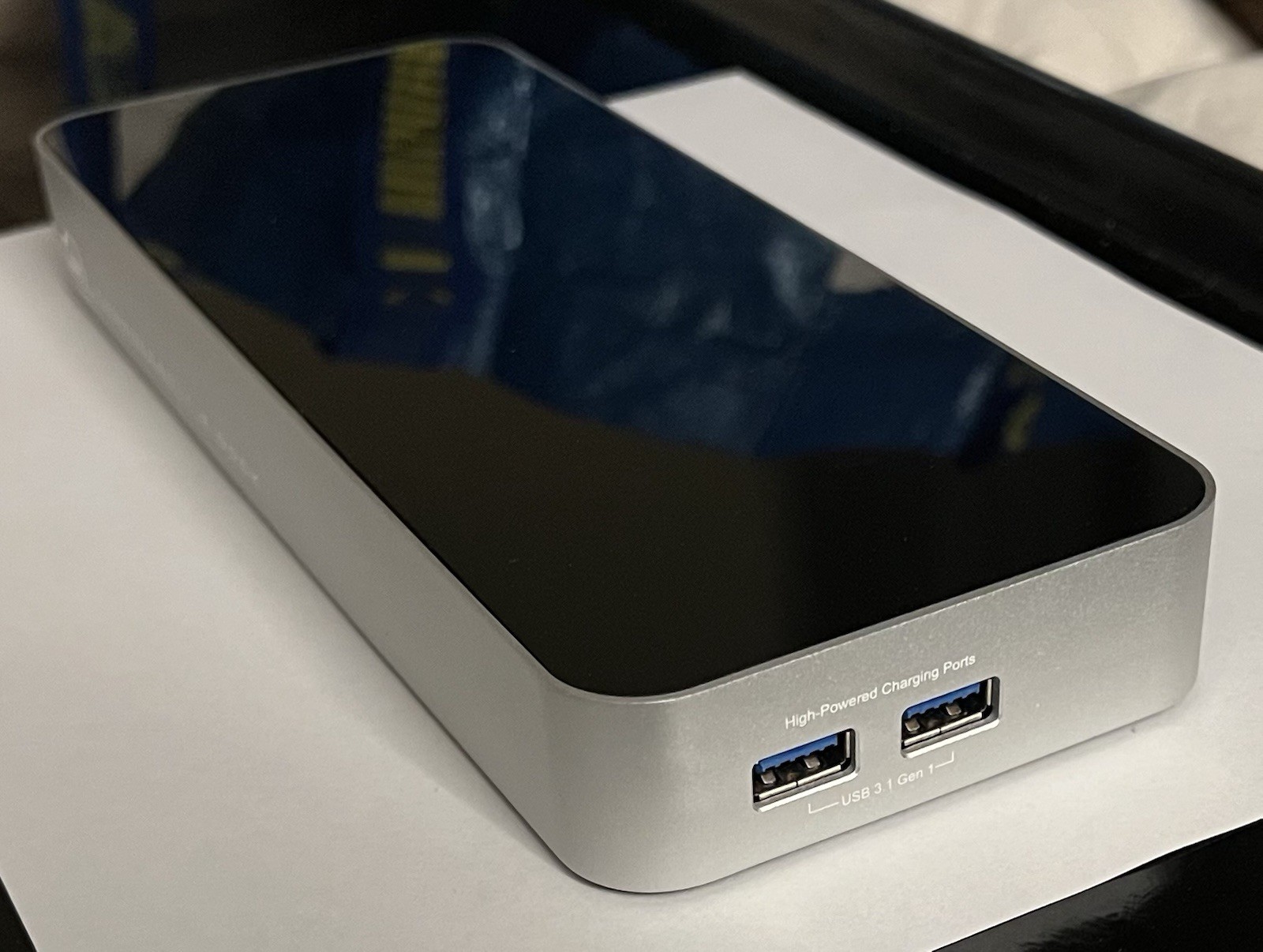
OWC Thunderbolt 2 Dock For Macbook Air & Pro; Firewire, Ethernet, USB 3.1, HDMI
By Unbranded

$110.00






 .
.
